CSS Complete Beginner to Advanced Guide
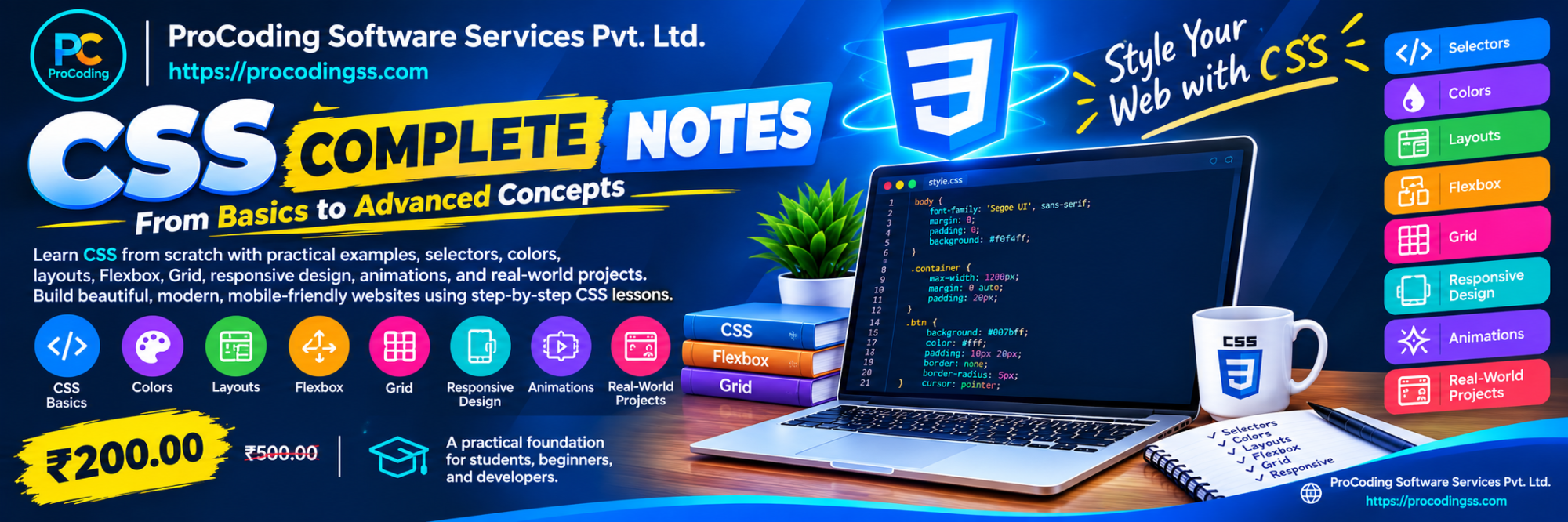
Learn CSS from scratch with practical examples, selectors, colors, layouts, Flexbox, Grid, responsive design, animations, and real-world projects. Build beautiful, modern, mobile-friendly websites using step-by-step CSS lessons.
Preview
CSS Complete Beginner to Advanced Guide
Master Cascading Style Sheets (CSS) and learn how to create beautiful, responsive, and modern websites.
This beginner-friendly guide covers everything from basic CSS syntax and selectors to advanced layouts, Flexbox, CSS Grid, transitions, animations, and responsive web design.
Whether you are starting your web development journey or improving your frontend skills, this guide provides practical examples and step-by-step explanations to help you write CSS confidently.
Screenshots
Click a screenshot to open it. Use the buttons, mouse wheel, or double-click to zoom.
What you will learn
By completing this CSS guide, you will be able to: 1. Understand CSS syntax, rules, selectors, properties, and values. 2. Apply CSS using inline, internal, and external stylesheets. 3. Select HTML elements using element, class, ID, attribute, and pseudo-class selectors. 4. Style text, fonts, colors, backgrounds, borders, and shadows. 5. Understand the CSS box model and control spacing with margin and padding. 6. Create page layouts using display, positioning, Flexbox, and CSS Grid. 7. Build responsive websites using media queries and fluid units. 8. Add hover effects, transitions, transforms, and animations. 9. Organize CSS using variables and reusable classes. 10. Build a complete responsive webpage using HTML and CSS.
- Beginner-friendly explanations
- Practical CSS code examples
- Step-by-step learning chapters
- Flexbox and CSS Grid tutorials
- Responsive web design techniques
- CSS animations and transitions
- Real-world website project
- Common CSS mistakes and solutions
- Revision checklist and practice exercises
Technical information
| Technology | CSS |
|---|---|
| Version | CSS3 / Modern CSS |
| Difficulty | Beginner |
| Reading time | 4 hours |
| Chapters | 20 |
| Code examples | 25 |
| Requirements | Basic knowledge of HTML is recommended. A computer or laptop, a modern web browser such as Google Chrome, Firefox, or Edge, and a code editor such as Visual Studio Code are required for practicing the examples. No prior CSS knowledge is necessary. All concepts are introduced from the fundamentals and explained with practical examples. |
FAQ
Q1. What is CSS?
Q2. Do I need HTML knowledge before learning CSS?
Q3. Is this CSS guide suitable for beginners?
Q4. What is the difference between CSS and HTML?
Q5. What is the CSS box model?
Q6. What are Flexbox and CSS Grid?
Q7. Can I build responsive websites using CSS?
The complete note, code examples, and paid attachments stay locked until purchase.